
README.md 8.9 KB
English | فارسی | العربية | 中文 | Español | Русский






3X-UI is an advanced, open-source web control panel for managing Xray-core servers. It provides a clean, multi-language interface for deploying, configuring, and monitoring a wide range of proxy and VPN protocols — from a single VPS to multi-node deployments.
Built as an enhanced fork of the original X-UI project, 3X-UI adds broader protocol support, improved stability, per-client traffic accounting, and many quality-of-life features.
[!IMPORTANT] This project is intended for personal use only. Please do not use it for illegal purposes or in a production environment.
Features
- Multi-protocol inbounds — VLESS, VMess, Trojan, Shadowsocks, WireGuard, Hysteria2, HTTP, SOCKS (Mixed), Dokodemo-door / Tunnel, and TUN.
- Modern transports & security — TCP (Raw), mKCP, WebSocket, gRPC, HTTPUpgrade, and XHTTP, secured with TLS, XTLS, and REALITY.
- Fallbacks — serve multiple protocols on a single port (e.g. VLESS and Trojan on 443) using Xray's fallback support.
- Per-client management — traffic quotas, expiry dates, IP limits, live online status, and one-click share links, QR codes, and subscriptions.
- Traffic statistics — per inbound, per client, and per outbound, with reset controls.
- Multi-node support — manage and scale across multiple servers from a single panel.
- Outbound & routing — WARP, NordVPN, custom routing rules, load balancers, and outbound proxy chaining.
- Built-in subscription server with multiple output formats.
- Telegram bot for remote monitoring and management.
- RESTful API with in-panel Swagger documentation.
- Flexible storage — SQLite (default) or PostgreSQL.
- 13 UI languages with dark and light themes.
- Fail2ban integration for enforcing per-client IP limits.
Screenshots
Click to expand
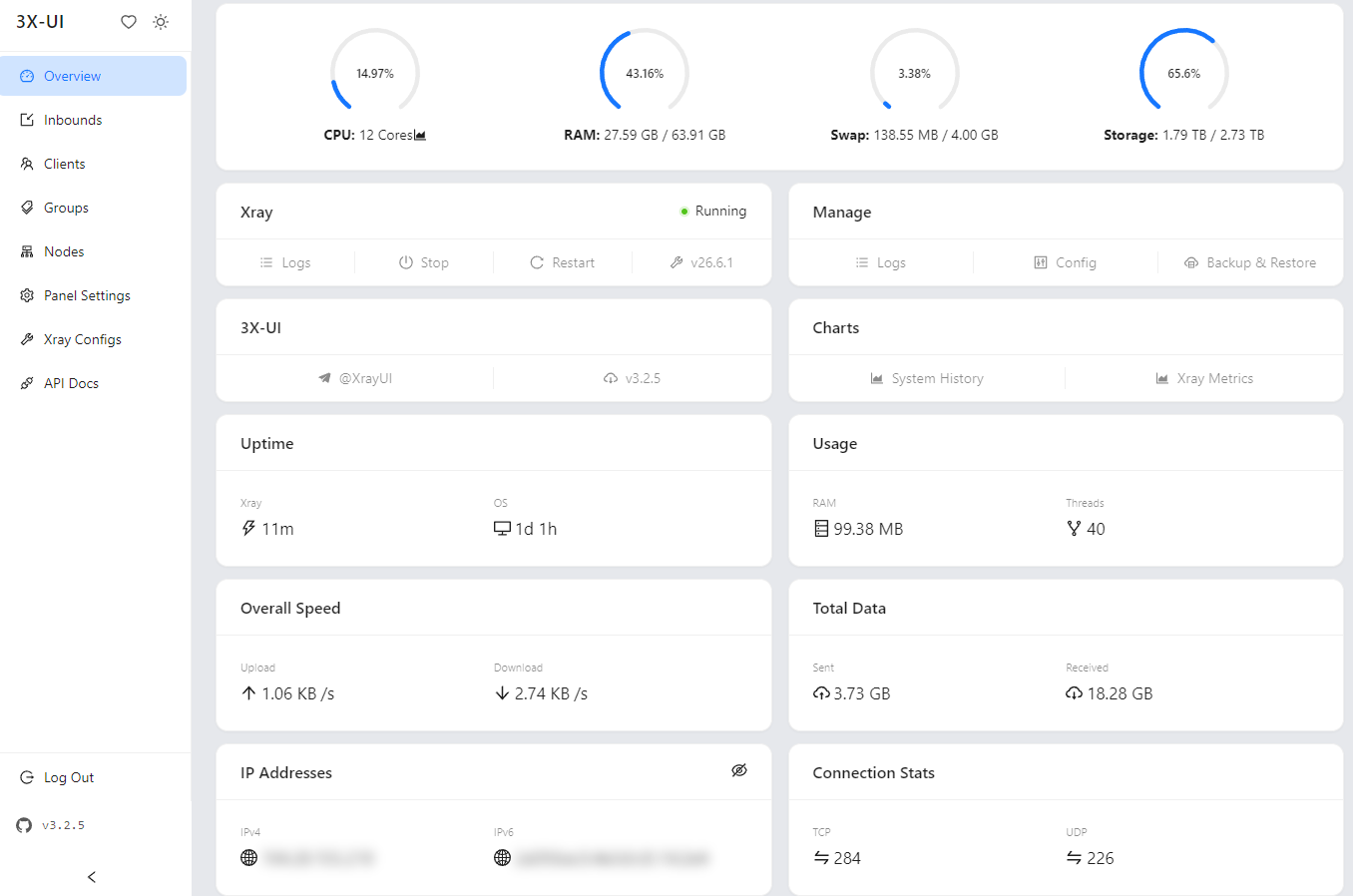
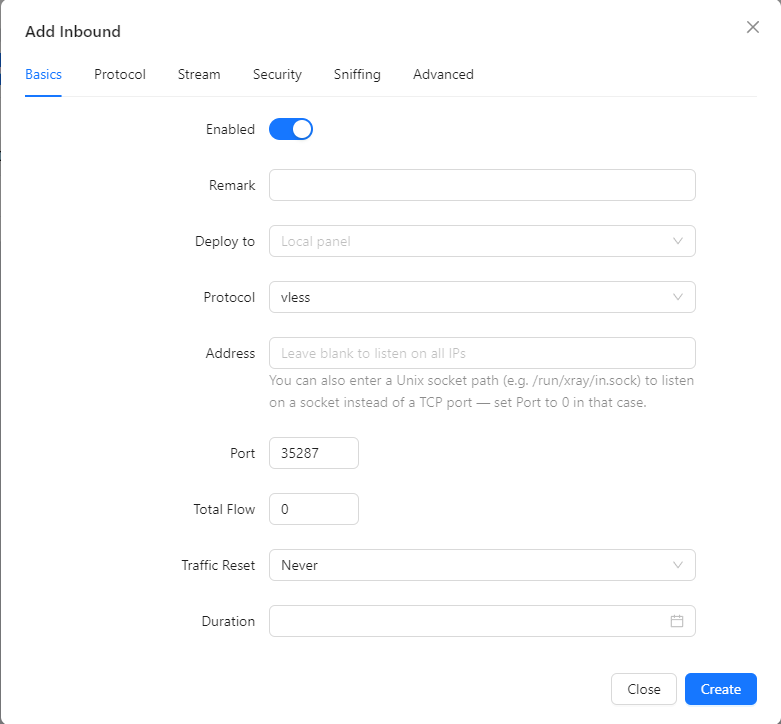
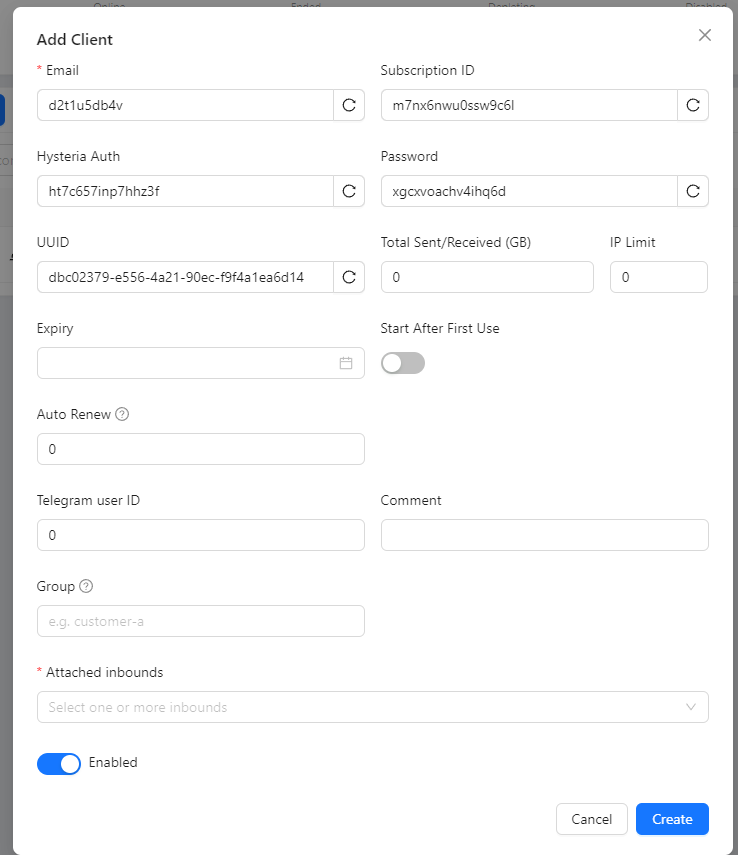
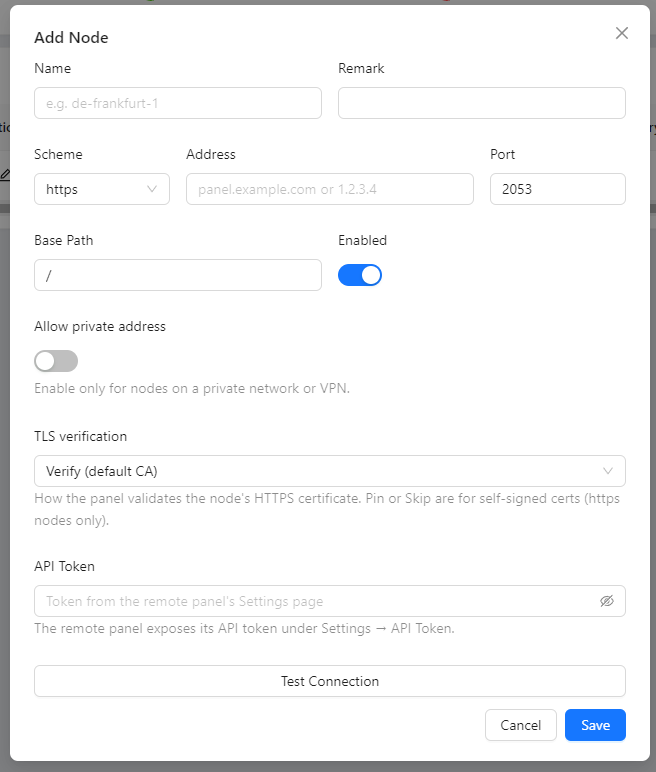
Quick Start
bash <(curl -Ls https://raw.githubusercontent.com/mhsanaei/3x-ui/master/install.sh)
During installation a random username, password, and access path are generated. After installation, run x-ui to open the management menu, where you can start/stop the service, view or reset your login credentials, manage SSL certificates, and more.
For full documentation, please visit the project Wiki.
Supported Platforms
Operating systems: Ubuntu, Debian, Armbian, Fedora, CentOS, RHEL, AlmaLinux, Rocky Linux, Oracle Linux, Amazon Linux, Virtuozzo, Arch, Manjaro, Parch, openSUSE (Tumbleweed / Leap), Alpine, and Windows.
Architectures: amd64 · 386 · arm64 (aarch64) · armv7 · armv6 · armv5 · s390x.
Database Options
3X-UI supports two backends, chosen during the install:
- SQLite (default) — a single file at
/etc/x-ui/x-ui.db. Zero setup, ideal for small and medium deployments. - PostgreSQL — recommended for high client counts or multi-node setups. The installer can install PostgreSQL locally for you, or accept a DSN to an existing server.
At runtime the backend is selected via environment variables (the installer writes these to /etc/default/x-ui for you):
XUI_DB_TYPE=postgres
XUI_DB_DSN=postgres://xui:[email protected]:5432/xui?sslmode=disable
Migrating an existing SQLite install to PostgreSQL
x-ui migrate-db --dsn "postgres://xui:[email protected]:5432/xui?sslmode=disable"
# then set XUI_DB_TYPE and XUI_DB_DSN in /etc/default/x-ui and restart:
systemctl restart x-ui
The source SQLite file is left untouched; remove it manually once you have verified the new backend.
Docker
The default docker compose up -d keeps using SQLite. To run with the bundled PostgreSQL service, uncomment the two XUI_DB_* env lines in docker-compose.yml and start with the profile:
docker compose --profile postgres up -d
The image bundles Fail2ban (enabled by default) to enforce per-client IP limits. Fail2ban bans offenders with iptables, which requires the NET_ADMIN capability. docker-compose.yml already grants it via cap_add; if you start the container with docker run instead, add the capabilities yourself, otherwise bans are logged but never applied:
docker run -d --cap-add=NET_ADMIN --cap-add=NET_RAW ... ghcr.io/mhsanaei/3x-ui
Environment Variables
| Variable | Description | Default |
|---|---|---|
XUI_DB_TYPE |
Database backend: sqlite or postgres |
sqlite |
XUI_DB_DSN |
PostgreSQL connection string (when XUI_DB_TYPE=postgres) |
— |
XUI_DB_FOLDER |
Directory for the SQLite database file | /etc/x-ui |
XUI_DB_MAX_OPEN_CONNS |
Maximum open connections (PostgreSQL pool) | — |
XUI_DB_MAX_IDLE_CONNS |
Maximum idle connections (PostgreSQL pool) | — |
XUI_ENABLE_FAIL2BAN |
Enable Fail2ban-based IP-limit enforcement | true |
XUI_LOG_LEVEL |
Log verbosity (debug, info, warning, error) |
info |
XUI_DEBUG |
Enable debug mode | false |
Supported Languages
The panel UI is available in 13 languages:
English · فارسی · العربية · 中文(简体) · 中文(繁體) · Español · Русский · Українська · Türkçe · Tiếng Việt · 日本語 · Bahasa Indonesia · Português (Brasil)
Contributing
Contributions are welcome. Please read the Contributing Guide before opening an issue or pull request.
A Special Thanks to
Acknowledgment
- Iran v2ray rules (License: GPL-3.0): Enhanced v2ray/xray and v2ray/xray-clients routing rules with built-in Iranian domains and a focus on security and adblocking.
- Russia v2ray rules (License: GPL-3.0): This repository contains automatically updated V2Ray routing rules based on data on blocked domains and addresses in Russia.
Community Tools
Tools and integrations built by the community around 3x-ui.
- terraform-provider-3x-ui (License: MIT): Manage inbounds, clients, panel settings, and Xray configuration as code with Terraform / OpenTofu.
Support project
If this project is helpful to you, you may wish to give it a:star2:


Stargazers over Time
